
Step 1
Pin-Up Registration Process in Nigeria
Create a new account to access casino slots, live dealer games, and sports betting in one place. You can complete registration online by phone number, email, social profile, or one click. After you sign up, you can deposit and withdraw in naira using trusted local methods. New users can get a Welcome Bonus 120% + 250FS up to ₦9,000,000 + 250FS.
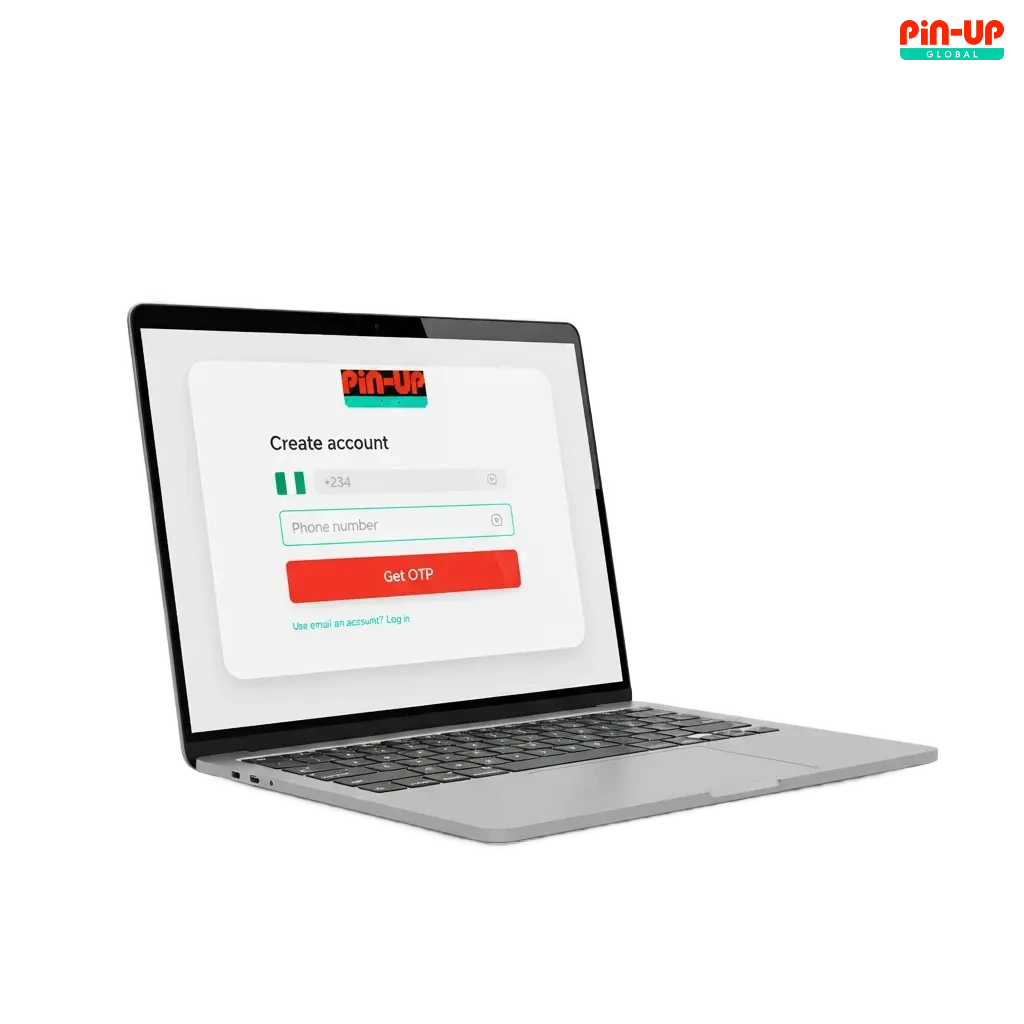
All Available Registration Options on Pin-Up
You can register online in the way that suits you. Pick the method that matches how you prefer to verify your contact details.
- By Phone Number
- By Email
- Via Social Media
- One-Click Signup
By Phone Number
Fast and popular in Nigeria. You use an SMS code to confirm access to your number.
- Click Sign Up.
- Choose Phone Number.
- Enter your Nigerian number and set a strong password.
- Type the SMS code you get and confirm.
- Accept the Terms and tap Create Account.
By Email
Good if you want all notices in your inbox. Confirmation goes to your email address.
- Click Sign Up.
- Choose Email.
- Enter your email, set a password, and pick NGN.
- Open the mail you receive and click the link.
- Return to the site and log in.
Via Social Media
Quick access using a profile you already trust, such as Google or Facebook. Your basic details are pulled in safely.
- Click Sign Up.
- Select a social option and grant permission.
- Confirm your country and currency.
- Set a password for direct login later.
- Finish and access your new account.
One-Click Signup
The fastest way to create an account. You get a generated login and can fill details later.
- Click Sign Up.
- Pick One Click.
- Confirm country and currency.
- Save your login data shown on screen.
- Add phone or email in your profile to secure the account.
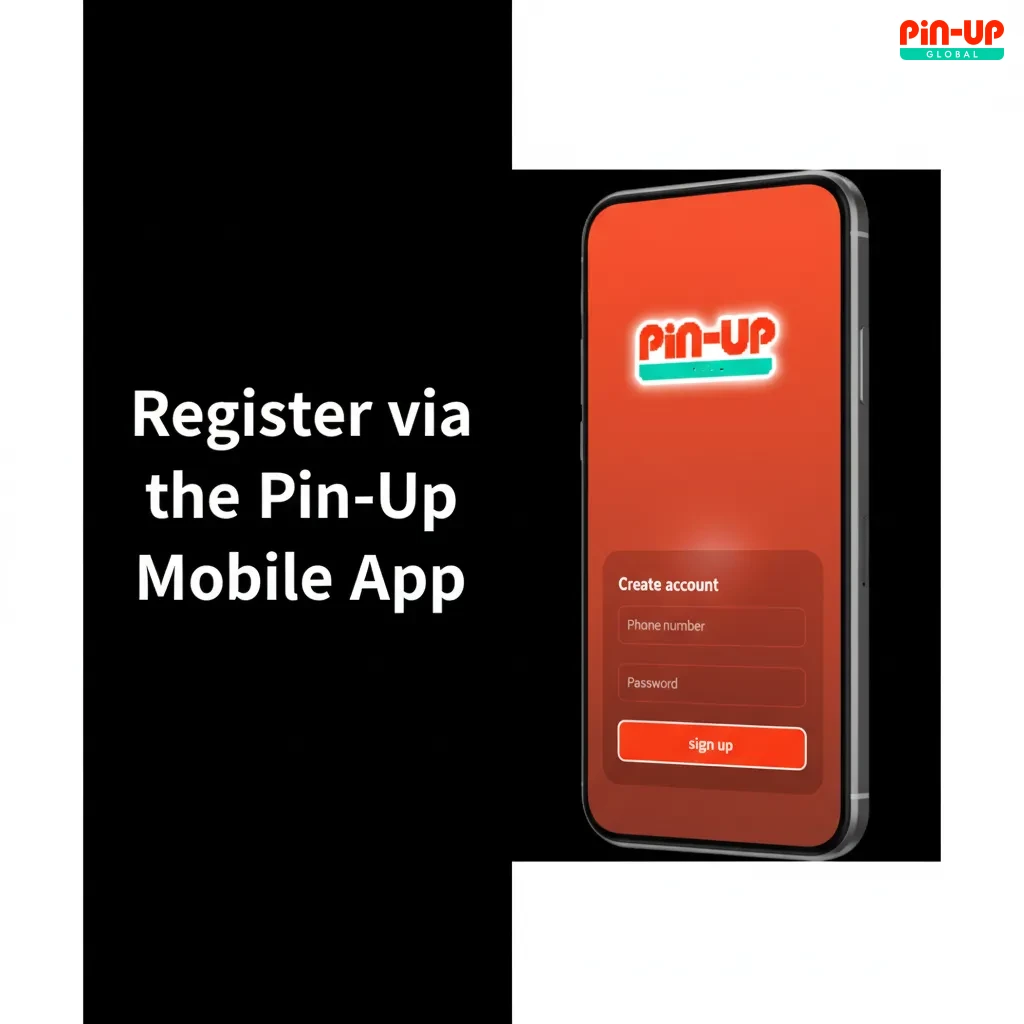
Register via the Pin-Up Mobile App
You can sign up in the mobile app for smooth access on your phone. The flow is similar to the site, tuned for quick taps and OTP entry.
- Download and install: Get the Android app from the official site or add the PWA to your iOS home screen. Allow installation in your settings if asked.
- Open the app: Launch it and tap Sign Up.
- Choose method: Phone, Email, Social, or One Click.
- Fill details: Enter contact info, set a password, choose NGN, and accept the Terms.
- Confirm contact: Enter the SMS or email code to finish registration.
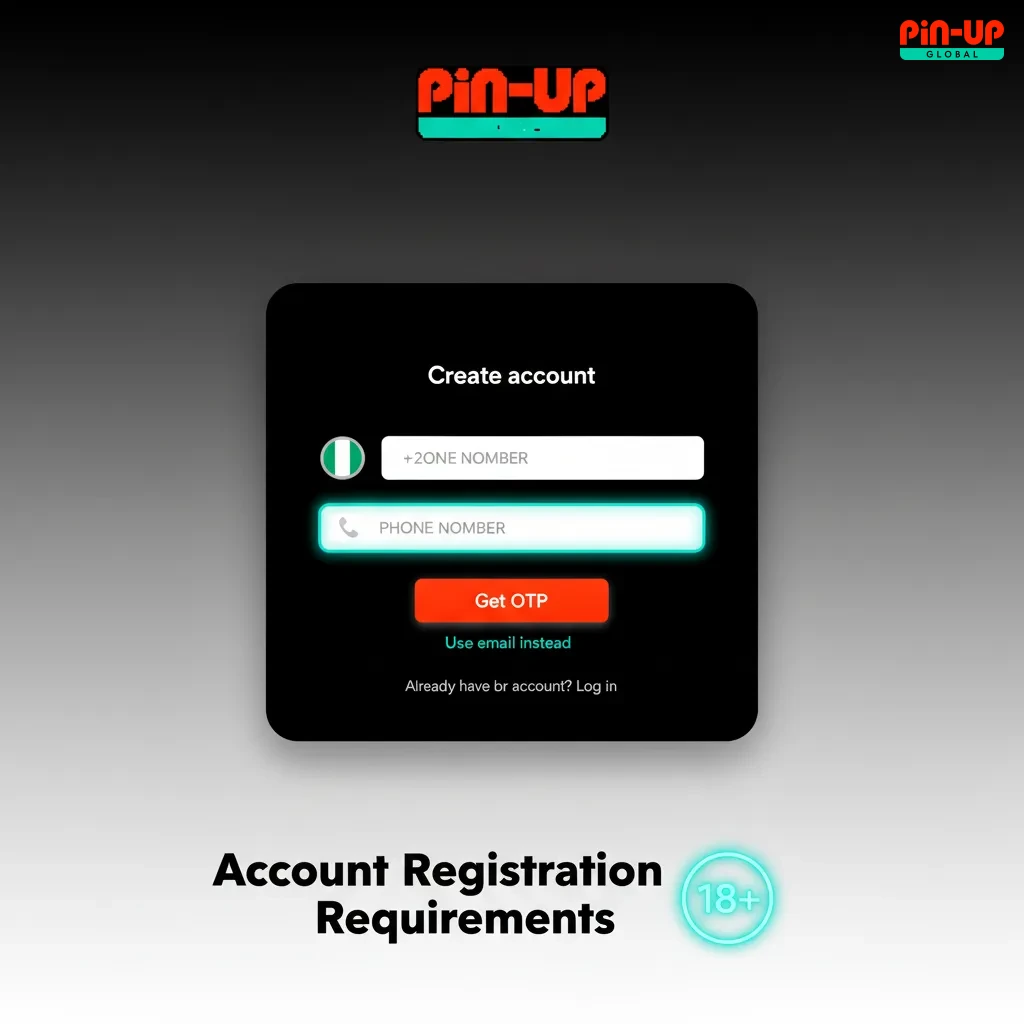
Account Registration Requirements
You must follow Nigerian law to create an account. Only adults can gamble for real money. Your details must be true and match your documents. One user can hold only one profile. You must agree to the platform Terms and Privacy Policy.
- You must be 18 years or older and reside where online gambling is legal.
- Only one personal account is allowed per person, device, and phone/email.
- Use your real name, correct date of birth, and valid contact details.
- Use your own payment methods. Third-party cards or wallets are not allowed.
- Accept the Terms, Privacy Policy, and responsible gambling rules before you sign up.
Login to Pin-Up Account
Log in any time using the same method you used to sign up. You can sign in on the site or in the app.
Step 2
Choose your method: Phone + password/OTP, Email + password, or Social sign in.
Step 3
Enter your details and tap Sign In.
Step 4
If 2FA is on, enter the code to finish.
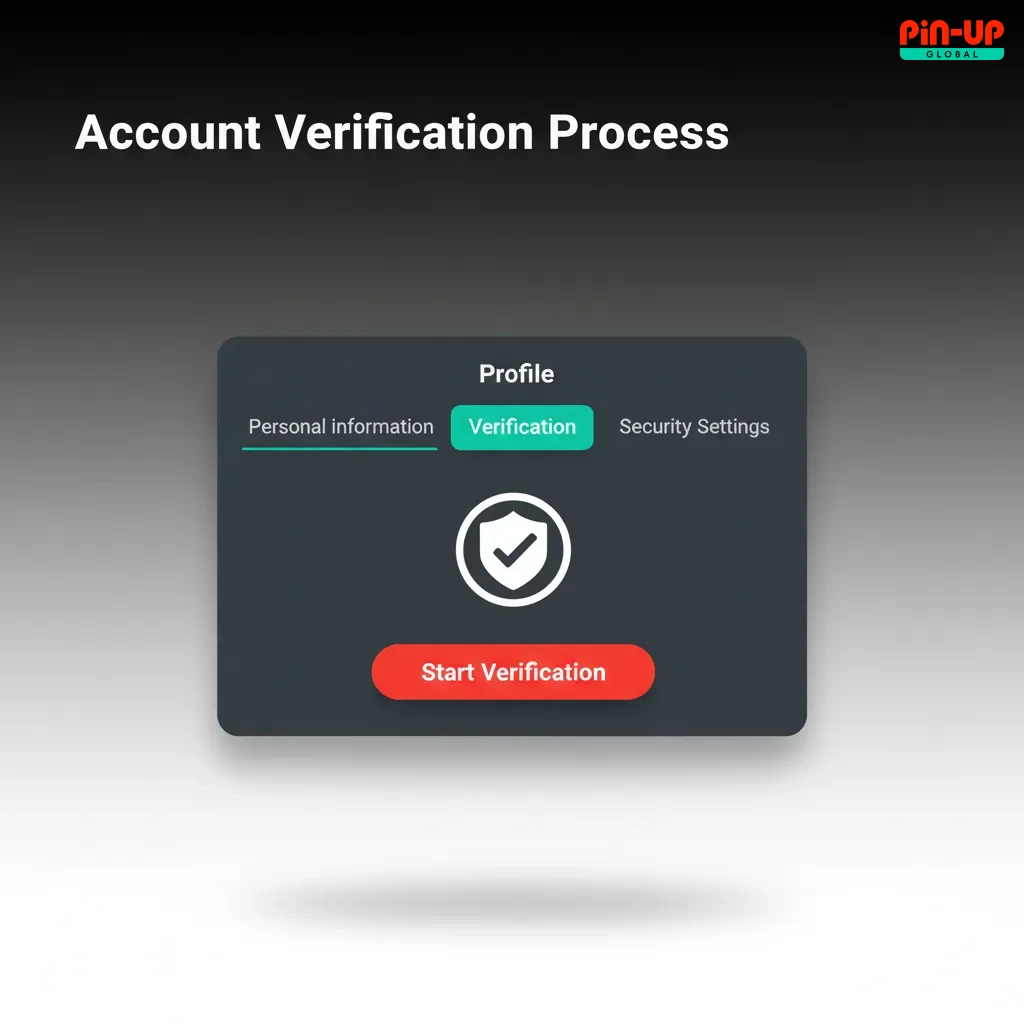
Account Verification Process
Verification protects your account and payments. It is needed for withdrawals and higher limits. The process is guided in your profile and usually takes a short time after you submit clear documents.
- Contact check: Confirm your phone via OTP or your email via link.
- Profile data: Complete your name, date of birth, and residential address.
- Identity document: Upload a clear photo of a valid ID such as National ID, Passport, or Driver’s Licence.
- Address proof: If requested, upload a utility bill or bank statement showing your name and address.
- Review and status: You will see the result in your account. You may be asked to resubmit if images are unclear.
Welcome Bonuses for New Users from Nigeria
New players in Nigeria can get a first deposit offer: Bonus 120% + 250FS up to ₦9,000,000 + 250FS. The offer is for casino play. A separate sports welcome may appear in Promotions based on local campaigns.
Casino Bonus
You get extra funds on your first deposit plus free spins. Claim it right after you register and make a qualifying payment.
- Bonus size: 120% up to ₦9,000,000 + 250 free spins.
- How to claim: Create an account, go to Cashier, make your first deposit, and accept the bonus before confirming the payment.
- Wagering requirements: As stated in the bonus Terms in your account. Game contributions and time limits apply.
- Minimum deposit: The exact amount is shown in the Cashier for Nigeria.
- Free spins: Credited in parts. Spins value and eligible games are listed in the offer details.
Sport Betting Bonus
A sports welcome may be offered for Nigeria. Check your Promotions tab for the current terms before you place your first bet.
- Bonus size: Displayed on the offer card in your account.
- How to claim: Register, make a qualifying first deposit, and opt in on the promo page.
- Wagering: Stake or odds requirements are listed in the Terms.
- Minimum deposit: Shown on the promo card for your region.

Account Overview
Your personal area gives you full control over settings, payments, and security. You can manage everything in a few taps.
- Profile details: Edit name, address, date of birth, and contact info. Keep them accurate for KYC.
- Verification: Upload documents, track review status, and see what is pending.
- Deposit: Fund your balance in NGN using cards, transfers, or local wallets.
- Withdraw: Request payouts to methods in your name and track processing.
- Bonuses: Activate offers, check wagering progress, and view free spins.
- Betting and game history: Review sports bets, casino rounds, wins, and refunds.
- Limits and self-control: Set deposit limits, reality checks, take a cool-off, or self-exclude.
- Security and devices: Change password, enable 2FA, and manage authorised devices.
Possible Problems and Their Solutions When Registering on Pin-Up
You may face a few issues during registration. Here are quick fixes you can try right away.
| Problem | Solution |
|---|---|
| No SMS code received | Check number format, wait a minute, then tap Resend. Move to a spot with better network coverage. |
| Email confirmation not arriving | Check Spam, add the sender to contacts, and request a new link. Use a different email if needed. |
| Phone or email already in use | You likely created an account before. Use password recovery or contact support to restore access. |
| ID photo rejected | Retake the photo in good light, remove covers, and upload a full, readable image. Ensure names match your profile. |
| Android app cannot install | Enable Install unknown apps for your browser, download the APK from the official site, and retry. |
Steps to Delete a Personal Account
You may wish to close your account for a break or to stop gambling. You can request permanent or temporary closure.
Step 1
Open live chat or send an email to support from your registered address.
Step 2
Confirm your identity and state if you want a cool-off, self-exclusion, or full closure.
Step 3
Withdraw remaining funds and wait for written confirmation of closure.
FAQ
Can you change your currency after you create an account?
No. Currency is set at signup. You can open only one account.
Is a VPN allowed for registration or login?
No. Use your real location and network to avoid account restrictions.
Can you use someone else’s bank card to deposit?
No. Only payment methods in your name are allowed.
How do you change your phone number later?
Add the new number in Profile, confirm the OTP, and remove the old one after verification.
How long does ID review take?
Most checks are reviewed soon after submission. You will see the status in your profile.
Updated: