Pin-Up App for Android & iOS Devices Latest Version for Nigeria

Pin-Up native app is in development. There is no APK yet. You can install the fast PWA version now and use it like an app on your phone. Tap Download to get Pin-Up and claim 120% + 250FS up to ₦9,000,000 NGN + 250FS. Start today and play in minutes.

120% + 250FS up to ₦9,000,000 NGN + 250FS

Pin-Up app for Android & iOS in Nigeria: PWA available, no APK yet. 120% + 250FS up to ₦9,000,000. Download

Pin-Up App Overview

You use a safe, mobile-first PWA that runs fast on low data. Sports, live bets, and casino games are ready in one place.

You get a trusted mobile experience that installs in seconds.

App type

PWA (Add to Home Screen, no APK needed)

App size

Under 1 MB cache after install

Last update

27 Oct 2025

Welcome bonus

120% + 250FS up to ₦9,000,000 NGN + 250FS

Supported languages

English (Nigeria)

Payment methods

VISA / Mastercard, Verve, Bank transfer, OPAY, Palmpay, Crypto

Promo code availability

Yes, when offered in promos

Min OS

Android 7.0+, iOS 12+

Betting

Pre-match and live betting

Casino

Slots, live casino, game shows

Cash Out

Available on selected markets

Support

24/7 live chat and email

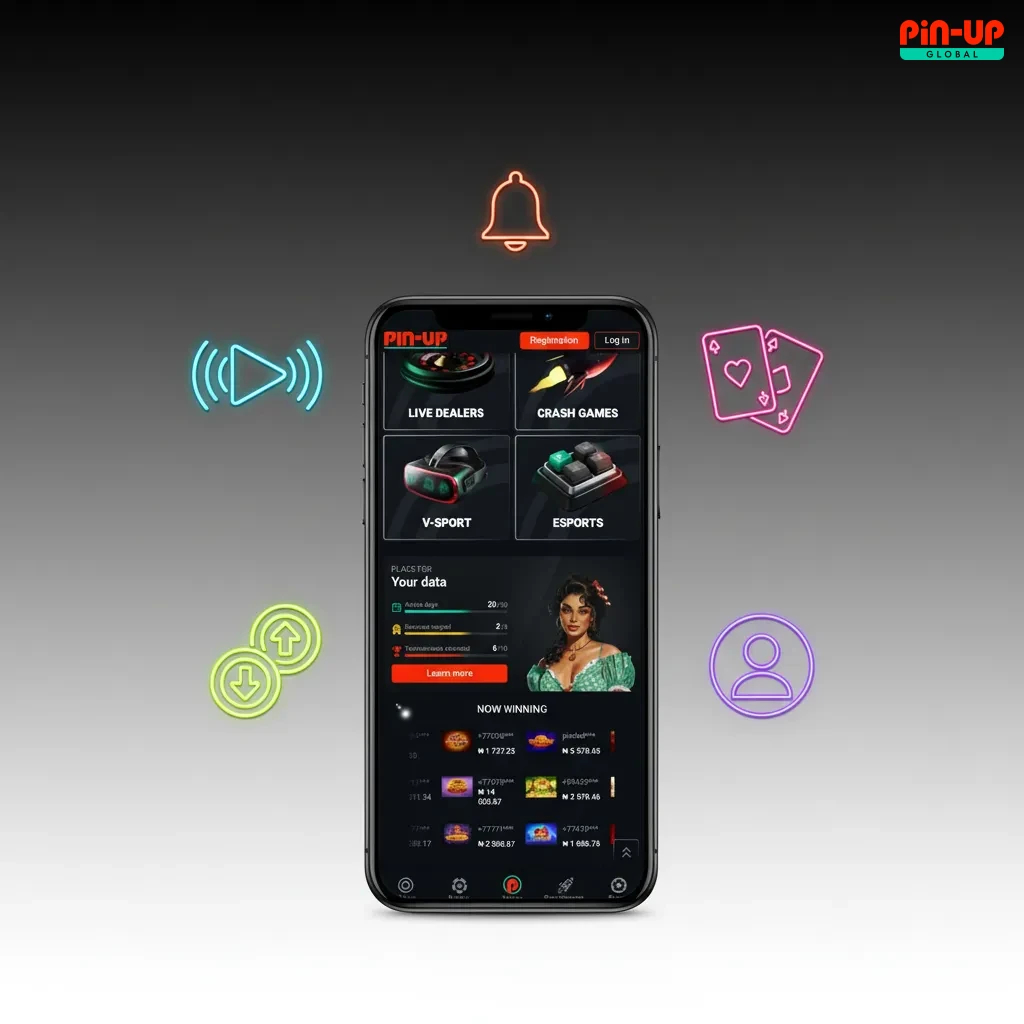
Pin-Up App Interface

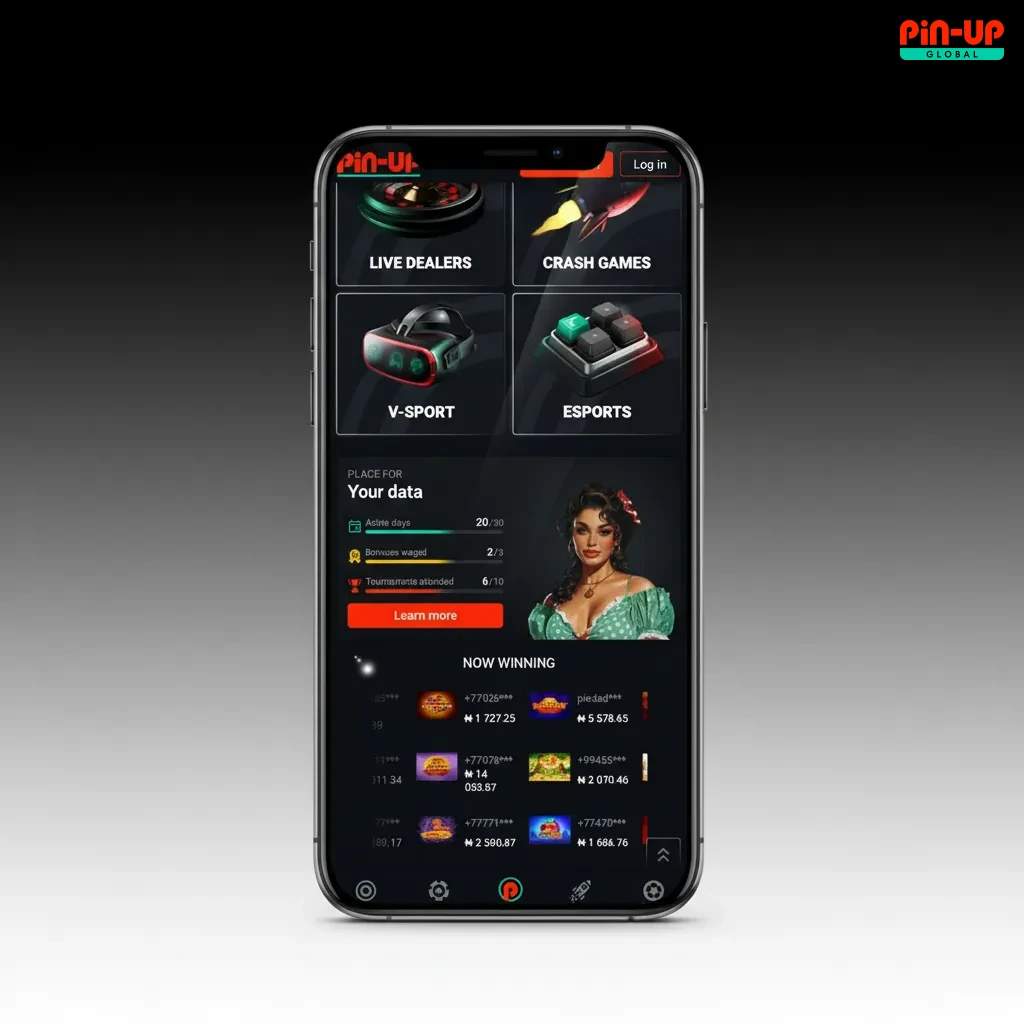
The interface is clean and focused on quick actions. You can switch between Sports, Live, Casino, and Wallet in one tap. Odds, betslip, and cash out controls are easy to find.

Pin-Up app with clean UI, quick tabs for Sports, Live, Casino, Wallet; visible odds, betslip, and cash-out controls.

Download Pin-Up App for Android (PWA)

You can install the Android PWA in under a minute. No APK download is needed.

Step 1

Click the Download for Android Button

Tap Download for Android on this page. Your browser opens the PWA install prompt.
Step 2

Register an Account

Create your Pin-Up account using phone or email. Set NGN as currency and confirm you are 18+.

Step 3

Use the Web Version of the Website

Tap Add to Home Screen. Launch Pin-Up from your home screen like a regular app. You get instant access to betting and casino on Android.

System Requirements for Using Android App

Requirement Minimum
Android OS version 7.0 Nougat or higher
CPU frequency 1.4 GHz or higher
Memory (RAM) 2 GB+
Free storage 200 MB recommended

These specs cover most phones used in Nigeria today.

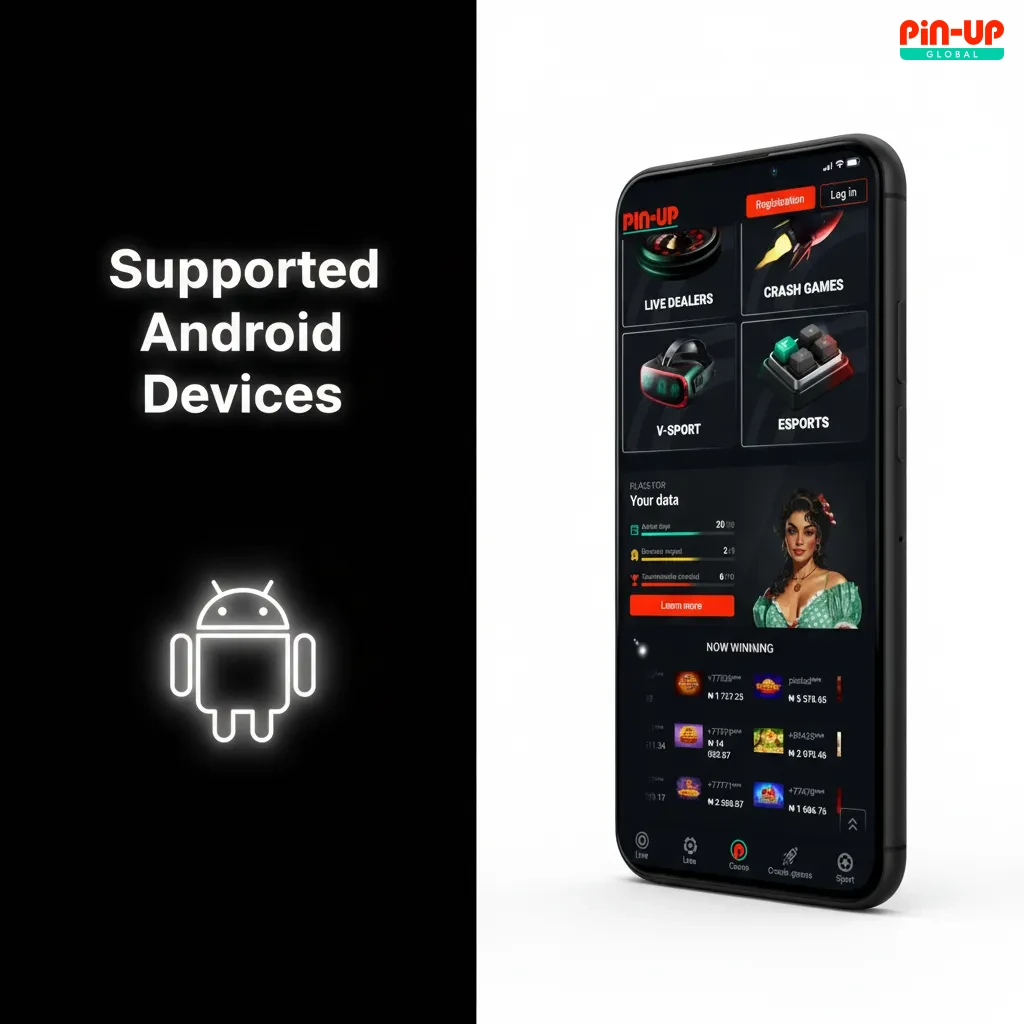
Supported Android Devices

  • Tecno Camon 20
  • Tecno Spark 10 Pro
  • Infinix Note 30
  • Infinix Hot 30
  • Samsung Galaxy A54
  • Samsung Galaxy S21
  • Xiaomi Redmi Note 12
  • Xiaomi Redmi 10
  • OPPO A96
  • Huawei P30

If your device matches or exceeds these, you can install the PWA.

List of supported Android phones for PWA: Tecno Camon 20, Galaxy A54/S21, Redmi Note 12, OPPO A96, Huawei P30

Download Pin-Up App for iOS (PWA)

You can add the iOS PWA to your iPhone or iPad home screen. It works like a native app.

Your iPhone or iPad is ready for quick betting and casino play.

Step 1

Click the Download for iOS Button

Tap Download for iOS. The site opens in Safari for installation.

Step 2

Register an Account

Sign up using phone or email. Choose NGN and confirm you are 18+.

Step 3

Tap Share Button

Open the Safari Share icon on the bottom bar.

Step 4

Tap Add to Home Screen

Select Add to Home Screen, then confirm. Pin-Up appears on your home screen.

System Requirements for Using iOS App

Requirement Minimum
iOS version iOS 12 or higher
Processor A10 Fusion or newer
Memory (RAM) 2 GB+
Free storage 200 MB recommended

Most iPhones from iPhone 7 and newer meet these requirements.

Supported iOS Devices

  • iPhone 15 / 15 Plus / 15 Pro / 15 Pro Max
  • iPhone 14 / 14 Plus / 14 Pro / 14 Pro Max
  • iPhone 13 / 13 mini / 13 Pro / 13 Pro Max
  • iPhone 12 / 12 mini / 12 Pro / 12 Pro Max
  • iPhone 11 / 11 Pro / 11 Pro Max
  • iPhone XR
  • iPhone SE (2020, 2022)
  • iPad 9th/10th Gen
  • iPad Air (4th/5th Gen)
  • iPad Pro (M1/M2)

If your Apple device runs iOS 12 or higher, you can install the PWA.

Supported iPhones: 11–15 (all models), XR, SE 2020/2022; iPads: 9th/10th, Air 4/5, Pro M1/M2. PWA works on iOS 12+.

Welcome Bonuses after Installing the Pin-Up App

  • Casino: 120% up to ₦9,000,000 NGN on first deposit + 250 free spins. Free spins may arrive in daily batches to your account.
  • Sports: 120% boost for your first top up, credited in NGN for betting markets.
  • Free Spins: 250FS for selected slots like Sweet Bonanza or Big Bass Bonanza, subject to availability.
  • General rules: New users only, 18+. Wagering, time limits, and game weighting apply. T&Cs apply.

You get a strong start for both sports and casino.

Pin-Up app welcome bonuses: Casino 120% up to ₦9,000,000 + 250 free spins; Sports 120% boost. New users 18+, T&Cs apply.

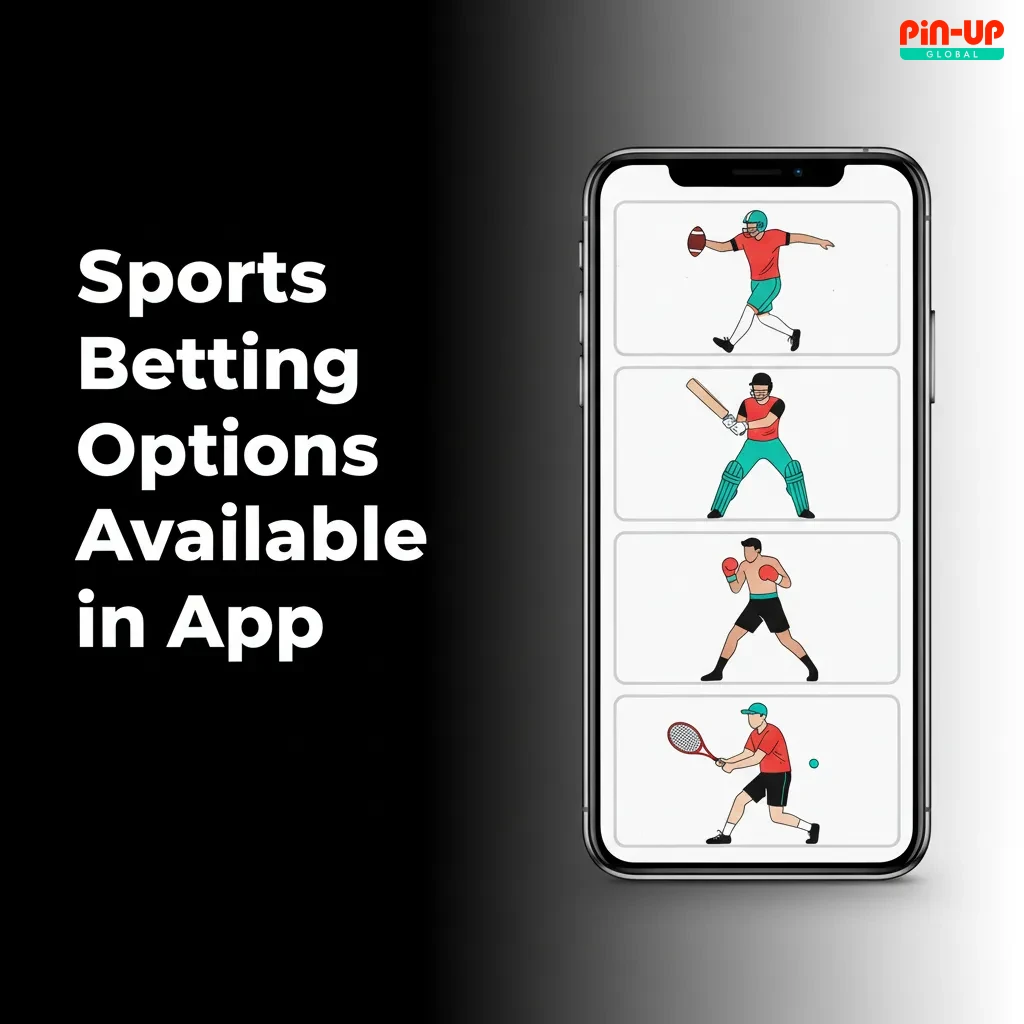
Sports Betting Options Available in App

You can bet pre-match or live in seconds. Markets cover local and global events.

  • Football
  • Basketball
  • Tennis
  • Table Tennis
  • Cricket
  • MMA/Boxing
  • Esports
  • Volleyball
  • Handball
  • Ice Hockey

You get wide coverage and fast bet placement.

Sports betting app screen showing pre-match and live markets for football, basketball, tennis, cricket, MMA, esports.

Types of Bets Available at Pin-Up’s App

  • Single: One selection. You win if it settles as a win.
  • Accumulator: 2+ selections combined for higher odds. All must win.
  • System: A combo that allows some legs to lose and still pay.
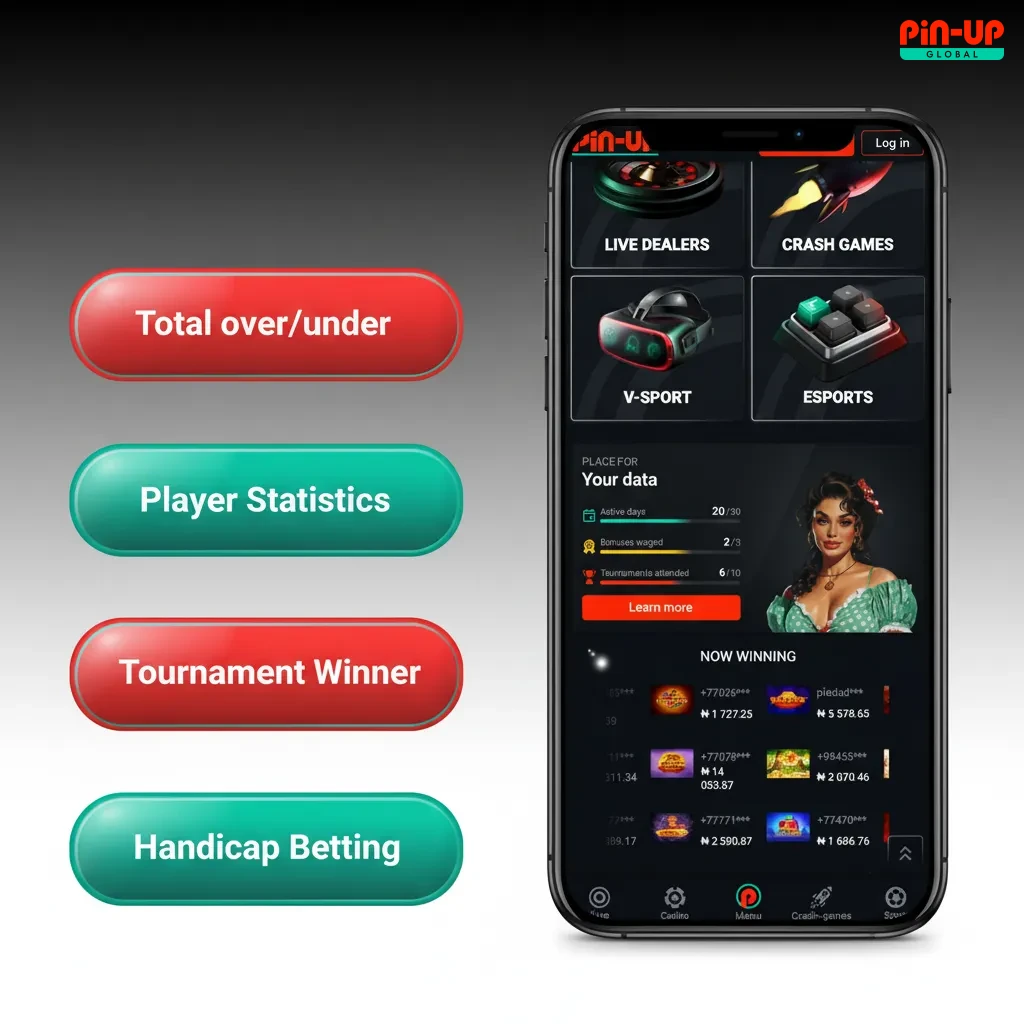
  • Handicap: Virtual advantage or disadvantage applied to a team or player.
  • Over/Under: Bet on totals like goals, points, or games above or below a line.
  • Live Bet: Place bets after the event starts at live odds.

You can mix bet types to suit your strategy.

Pin-Up app bet types infographic: Single, Accumulator, System, Handicap, Over/Under, Live Bet.

How to Start Betting via Mobile App

Get your bet on fast using the PWA.

You place a bet in a few taps.

Step 1

Log in and tap Sports or Live.

Step 2

Pick a match and select a market.

Step 3

Enter stake in the betslip.

Step 4

Check potential payout and confirm.

Step 5

Track the bet in My Bets and cash out when available.

Casino Games Available in App

You get top slots and live tables from leading studios. Play for real money in NGN.

  • Slots like Book of Dead, Sweet Bonanza, Big Bass Bonanza
  • Live Blackjack by Evolution
  • Live Roulette by Evolution
  • Baccarat and Dragon Tiger
  • Crash and Aviator by Spribe
  • Game shows like Crazy Time and Monopoly Live
  • Megaways titles
  • Jackpot slots
  • Instant games

Casino content loads fast and fits small screens.

Mobile casino app showing top slots, Evolution live Blackjack/Roulette, Baccarat, Crash, game shows; play for NGN.

How to Register an Account via Pin-Up Mobile App

Create your account to deposit and play.

Your account is ready for deposits and bonuses.

Step 1

Tap Sign Up on the home screen.

Step 2

Enter phone or email, set a strong password.

Step 3

Select Nigeria and NGN as currency.

Step 4

Confirm you are 18+ and accept the terms.

Step 5

Verify via SMS or email link.

How to Login via Mobile App

Access your account anytime.

Step 1

Tap Log In on the home screen.

Step 2

Enter phone/email and password.

Step 3

Complete 2FA if enabled.

Step 4

Tap Sign In to open your wallet and start.

How to Update the Pin-Up App to the Latest Version

You do not need manual updates. The PWA is a web app that refreshes features and odds automatically. Once you open it, the latest version loads in the background. You always use the most current build.

Phone screen with Pin-Up PWA auto-update, refresh icon showing latest version loading in the background.

Payment Methods for Mobile App Users of Pin-Up in Nigeria

Minimum deposit is ₦500. Minimum withdrawal is ₦1,000. Maximum per transaction is up to ₦5,000,000, subject to method and verification.

  • VISA / Mastercard
  • Verve
  • Bank transfer
  • OPAY
  • Palmpay
  • Crypto

Local options help you move money fast in NGN.

Pin-Up Nigeria payments: Visa/Mastercard, Verve, bank transfer, OPay, PalmPay, crypto; min ₦500 deposit, ₦1,000 withdrawal

How to Make a Deposit via Mobile App

Funding takes under a minute for most methods.

Your NGN balance updates once the payment is successful.

Step 1

Log in and open Wallet.

Step 2

Tap Deposit and choose a method.

Step 3

Enter amount, e.g., ₦2,000, and confirm.

Step 4

Complete bank or payment app authorisation.

How to Withdraw your Winnings on Mobile

Payouts go to the same name as your account. Verification may be required.

You can cash out to trusted local channels.

Step 1

Open Wallet and tap Withdraw.

Step 2

Choose method and enter amount, e.g., ₦10,000.

Step 3

Add required details and confirm.

Step 4

Track status in Transactions until paid.

Key Features of Pin-Up Mobile App

You get fast install, local payments, and clear odds.

  • PWA install in seconds, no APK needed
  • NGN accounts and Nigeria-focused payments
  • 120% + 250FS welcome for new users
  • Wide sportsbook and live betting
  • Big slot titles and live casino by top studios
  • Early cash out on selected markets
  • 24/7 customer support
  • Low data use and fast loading

These features help you bet and play on the go.

Key features of Pin-Up app: fast PWA install, NGN payments, sportsbook, live betting, slots, early cash out, 24/7 support

Customer Support

  • Live chat: 24/7 inside the app menu
  • Email: support form in Help Centre
  • Help Centre: guides on payments, bets, and account checks

You get help anytime you need it.

Customer support: 24/7 live chat in app menu, email via Help Centre, guides on payments, bets, and account checks.

FAQ

You can find more answers in the Help Centre.

Is Pin-Up legal in Nigeria?

Online betting is regulated in Nigeria. You must be 18+. Pin-Up operates under an international licence and accepts players from Nigeria. Use the site only if local law allows you to play.

How fast are withdrawals?

E-wallets and local transfers can process from minutes to a few hours after approval. Bank payouts may take 1–3 business days depending on the bank.

Can you have more than one account?

No. Only one account per person is allowed. Duplicate accounts can be closed and winnings forfeited.

How do you reset a forgotten password?

Tap Log In, select Forgot Password, enter phone or email, then follow the reset link or SMS code.

Why is verification required?

KYC checks confirm identity and age, protect your funds, and are needed before withdrawals. Use a valid ID and a bank statement or utility bill.

Updated: