
Step 1
Pin-Up Login Page for Nigeria Users
You can use the official website login on desktop or the mobile app to access your account. Enter your email or phone number and password to sign in. You can log in any time after registration and verification. Your data is protected, and you can enable two‑factor authentication in profile settings. After login, you can place sports bets, play casino games, claim bonuses, and manage transactions on Pin-Up.
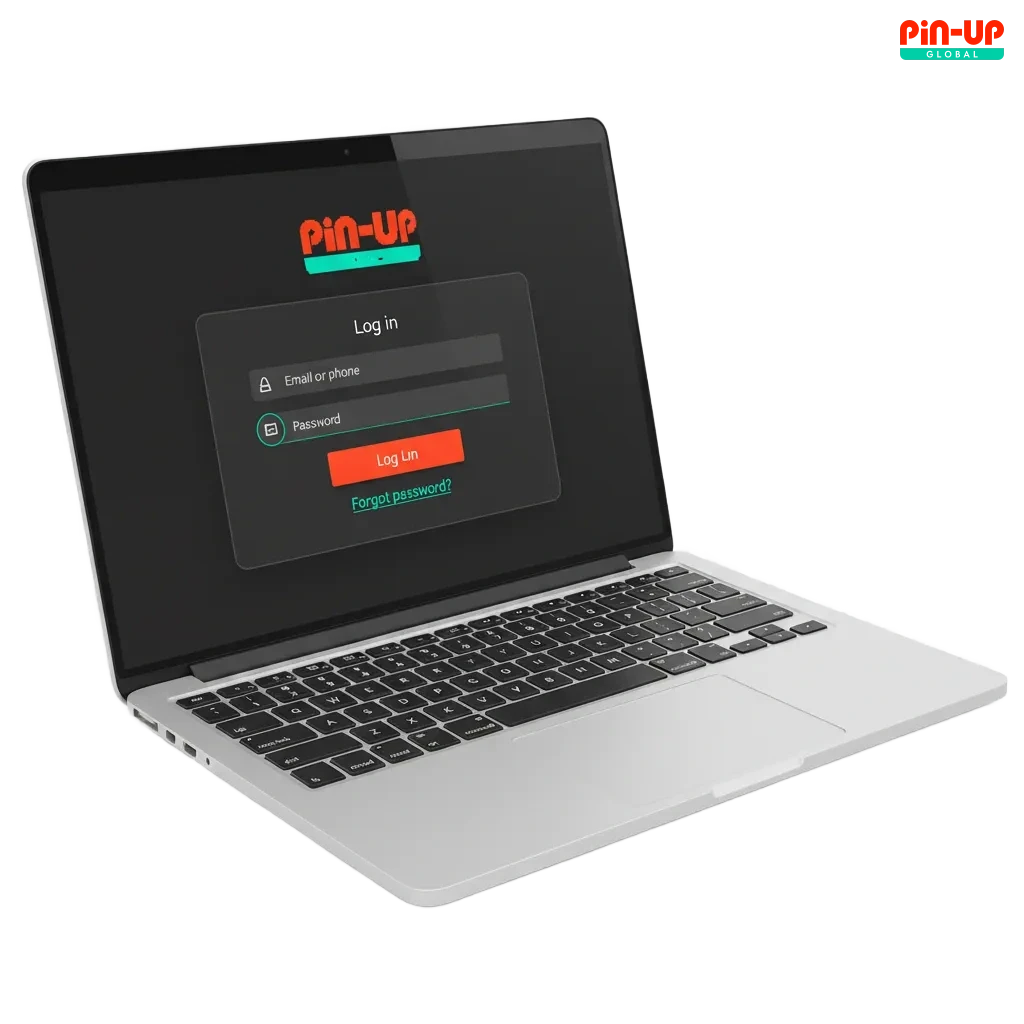
Pin-Up Account Login Options in Nigeria
You can sign in on the site or app using different methods. Pick the option that fits your device and profile.
Email and password, Phone number and password, Username and password, One‑time code by SMS or email (if shown), Third‑party sign in such as Google or Apple (if available)
Email sign in
This method suits users who registered by email. It is simple and easy to recover if needed.
- Go to the login page and choose Email.
- Enter your email address and password.
- Complete any 2FA code if requested.
- Tap Sign In to access your profile.
Login at Pin-Up via App
You can log in through the mobile app for quick access on your device. The app supports biometrics on compatible phones, while the website uses your browser.
Step 2
Open the app and tap Log In.
Step 3
Choose your method: email, phone number, or username; third‑party sign in if available.
Step 4
Enter your password and complete 2FA or biometric check if enabled.
Step 5
Tap Sign In to visit the home screen.
Possible Account Login Problems on Pin-Up and their Solutions
Here are common issues you might face during sign in and quick fixes you can try. Follow this advice to restore access fast.
| Problem | Solution |
|---|---|
| Wrong password | Reset it using Forgot Password, then create a strong new one and try again. |
| No SMS or email code arrives | Check spam, confirm the phone number or email is correct, request a new code, and wait a minute. |
| Account temporarily locked | Wait for the stated time, then try again or change the password to lift the lock. |
| Two‑factor code not accepted | Sync device time, use the latest code, or switch to backup method if set. |
| Site or app not loading | Check internet, clear cache, update the app or browser, and use the official site link. |
Recovering a Forgotten Password
You can reset your password in a few steps. Use email or SMS to confirm your identity.
Step 1
Click on the ‘Forgot Password’ link on the login page.
Step 2
Choose recovery by email or SMS in one step, based on what is linked to your account.
Step 3
Enter your email or phone number and submit the request.
Step 4
Open the code or link you receive, then set a new password.
Step 5
Return to the login screen and sign in using the new password.
FAQ
Can you stay signed in on your device?
Yes. Tick “Remember me” on a private device. Avoid this on shared devices.
How do you change your password after login?
Go to Profile, open Security, enter the current password, set a new one, and save.
Why do you see “profile not verified” at login?
Your KYC is pending. Upload the requested documents and wait for confirmation.
Can you log in on more than one device?
Yes, but large session changes may trigger security checks for your protection.
How do you log out safely?
Use the Log Out button in the menu, then close the browser tab or app.
Updated: