Click the ‘App’ Button
Open the site menu and tap App or Download. On the Nigeria page, the APK link sits near the top banner and footer.
Get fast sports betting and real-money casino on mobile. Install in minutes and start playing top slots and live games. New users get Bonus 120% + 250FS up to ₦9,000,000 + 250FS. Tap Download to start your Pin-Up app download now.
120% + 250FS
Up to ₦9,000,000 + 250FS
You can bet live, spin slots, and cash out fast in one application. The layout is clean, light on data, and built for quick taps. The service accepts Nigeria players aged 18+ under an international licence.
Check the app menu for your device version and current promos.
App Category
Casino & Sportsbook
License
International remote gaming licence (Curaçao)
Supported OS
Android app, iOS PWA (Add to Home Screen)
Latest version of the App
Shown in Settings → About App
Release Date
Varies by platform
Cost of Downloads
Free download
App languages
English (Nigeria) + additional languages
Supported countries
Nigeria and other accepted regions
Welcome bonus for Sports
See Promotions in the app for current offer
Welcome bonus for Casino
120% + 250FS up to ₦9,000,000 + 250FS
Bet types
Pre-match, Live, Accumulator, System, Cash Out
Customer Support
24/7 live chat and email
The interface shows clear tabs for Sports, Live, Casino, and Profile. You get quick bet slips, fast search, and bright game tiles that load quickly.
A tidy layout helps you place bets and find games faster.
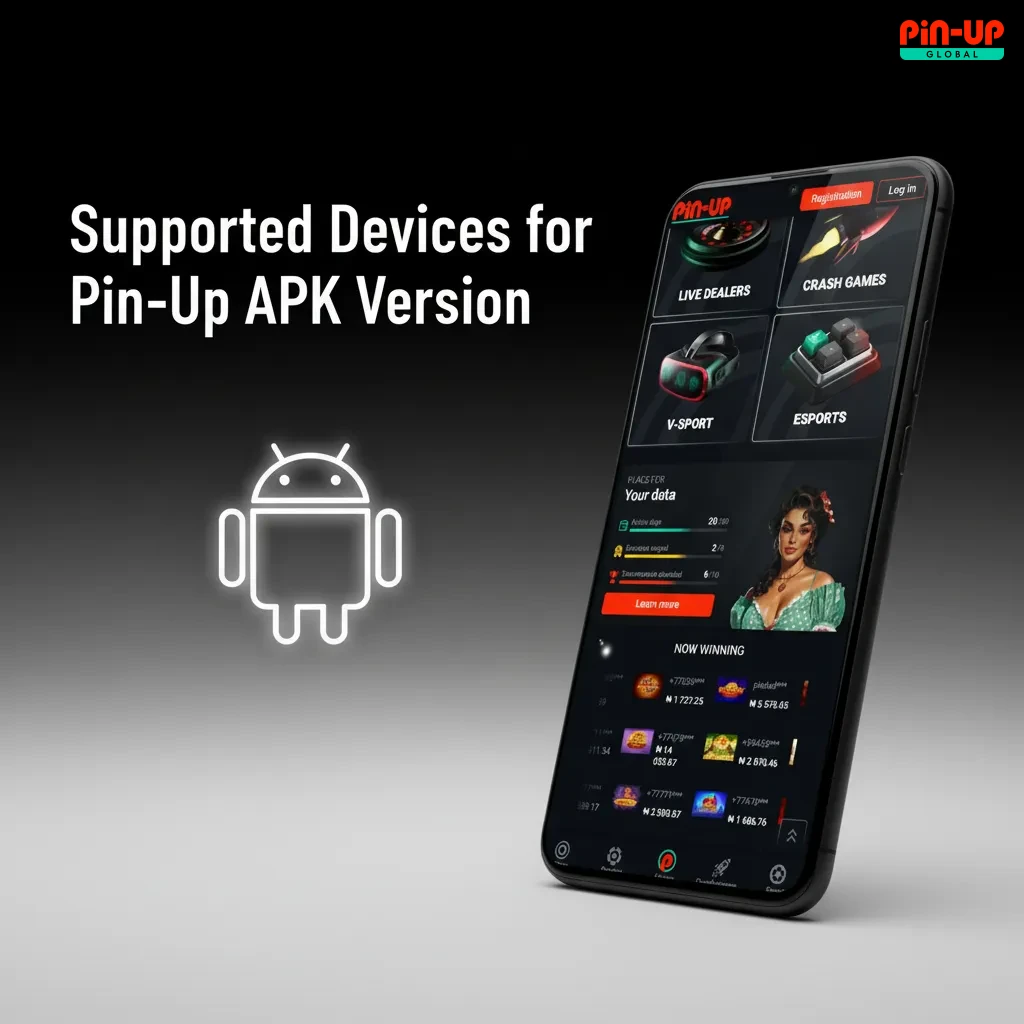
Android users can install the APK directly from the official site. The interface optimises taps for one-hand use. Updates are light, so you save data on each upgrade. The APK gives full access to live betting, slots, and cash out. Installation takes a few minutes on most modern phones.
| Field | Info |
|---|---|
| App Title | Pin-Up – Casino & Sports |
| App Category | Betting, Casino |
| OS Compatibility | Android |
| Minimum Android Version | Android 6.0+ |
Use the latest build for best speed and stability.
Here is a quick guide to download and install the Android application safely from the official source.
Start the app to sign in and claim your bonus.
Open the site menu and tap App or Download. On the Nigeria page, the APK link sits near the top banner and footer.
Tap Download to save the APK, then confirm the browser prompt.
Open the APK file and allow installs from this source.
Most modern phones run the application smoothly. A mid-range device is enough for live betting and slots. Keep enough free storage for updates and game assets. A stable 3G/4G connection helps live odds update quickly. Lower-end devices can play, but animations may load slower.
| Item | Requirement |
|---|---|
| System Requirements | Mid-range CPU/GPU for live odds and slots |
| Operation System | Android 6.0 or higher |
| Ram | 2GB RAM minimum, 3GB+ recommended |
| Storage Space | 200MB free for app and cache |
Meeting these specs gives smoother gameplay and faster bets.
Most popular Android brands in Nigeria are supported. If your device runs Android 6.0 or higher, you should be good. Performance depends on RAM, storage, and network quality.
| Brand | Models |
|---|---|
| Samsung | Galaxy A14, A24, A54, S21, S22, S23, S24 |
| Sony | Xperia 10 V, Xperia 1 V |
| Huawei | P30, P40, Nova 9, Nova 11, Mate 40 |
| OnePlus | Nord CE 3 Lite, Nord 2T, 10 Pro, 11 |
| Oppo | A58, A78, Reno8, Reno10, Find X5 |
| Pixel 5, Pixel 6a, Pixel 7, Pixel 8 | |
| Xiaomi | Redmi Note 11, Note 12, Note 13, 12 Pro |
| Poco | M5, X5, X6, F5 |
If your model is similar in specs, performance should match.
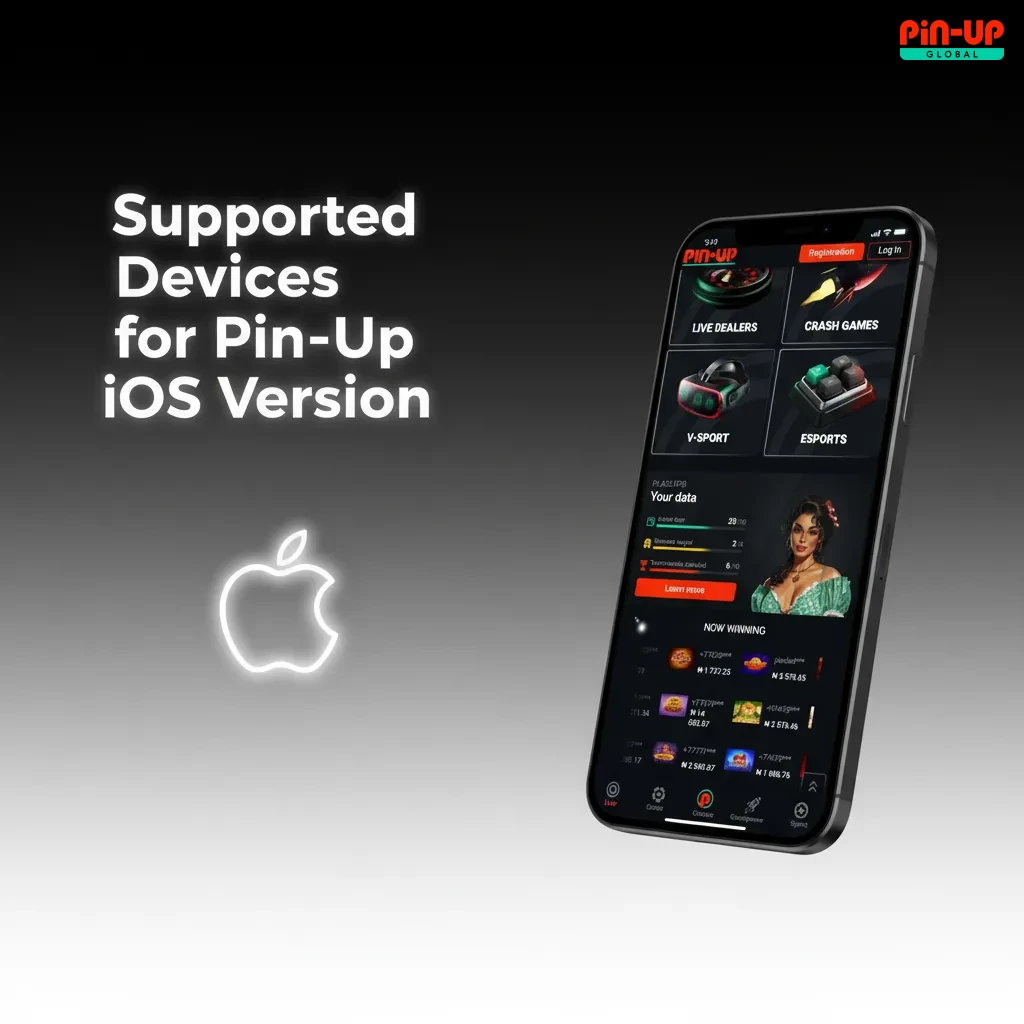
iPhone users get a fast PWA that installs to your home screen. It feels like an app, uses little storage, and updates instantly from the site.
The iOS PWA gives you quick access and always-fresh features.
Tap the iOS button on the site to open the app in Safari.
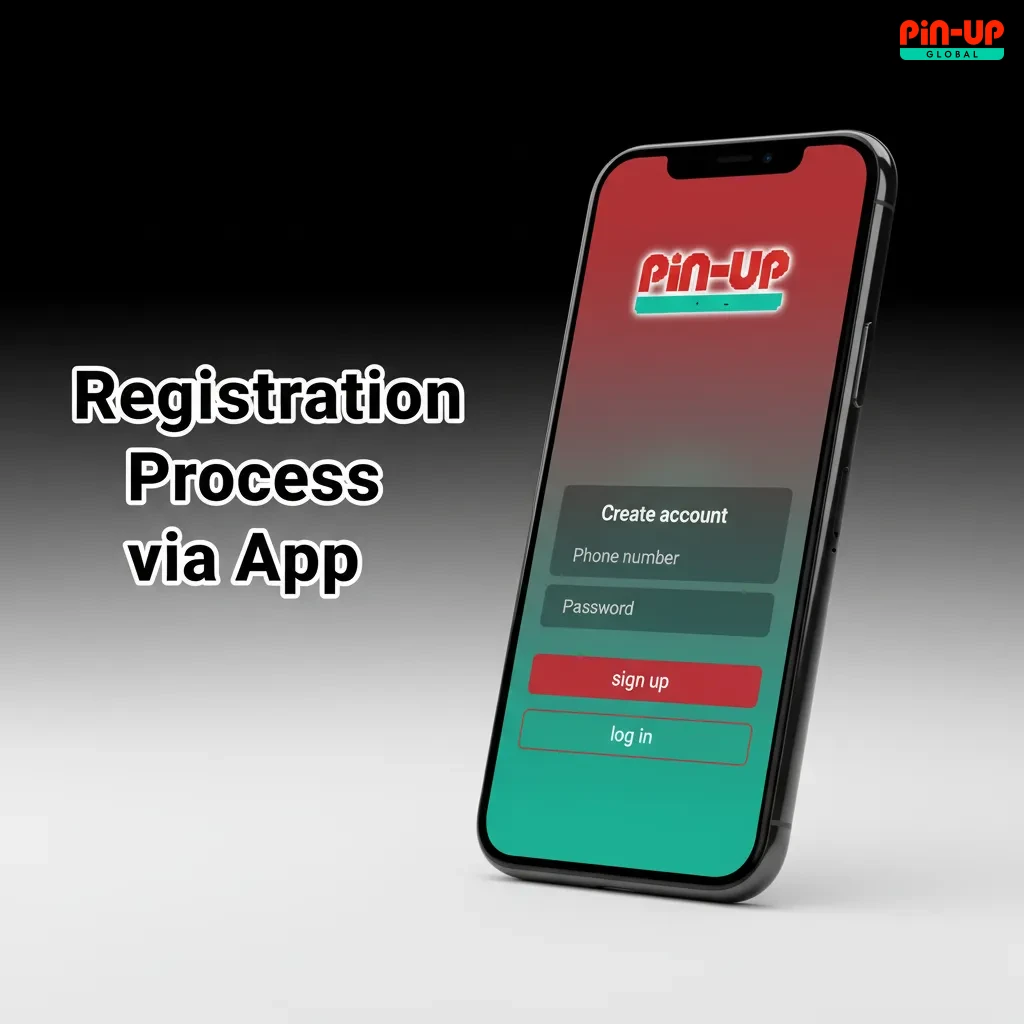
Use your phone number or email to sign in, or create a new account.
Tap the Share icon in Safari to see more options.
Tap Add to Home Screen, rename if you like, then press Add.
Open the home screen icon, sign in, and start betting or playing casino games from the app-like shortcut.
All modern iPhones and iPads that run Safari support the PWA. Storage impact is very small. Updates go live instantly after reload.
| Brand | Models |
|---|---|
| Apple | iPhone 8, iPhone X, iPhone XR, iPhone 11, iPhone 12, iPhone 13, iPhone 14, iPhone 15, iPhone SE (2nd/3rd Gen), iPad (7th–10th Gen), iPad Air (3rd–5th Gen), iPad Pro |
Any recent iOS device can install the home screen shortcut.
Accurate details now save time during cash out.
New users get a strong first deposit deal. Ongoing promos cover free spins, reloads, and multi-bet boosts. Sports offers run during big matches and leagues. Always read terms before you opt in. Bonuses vary, so check the app’s Promotions page daily.
Check the promo page before you deposit to maximise value.
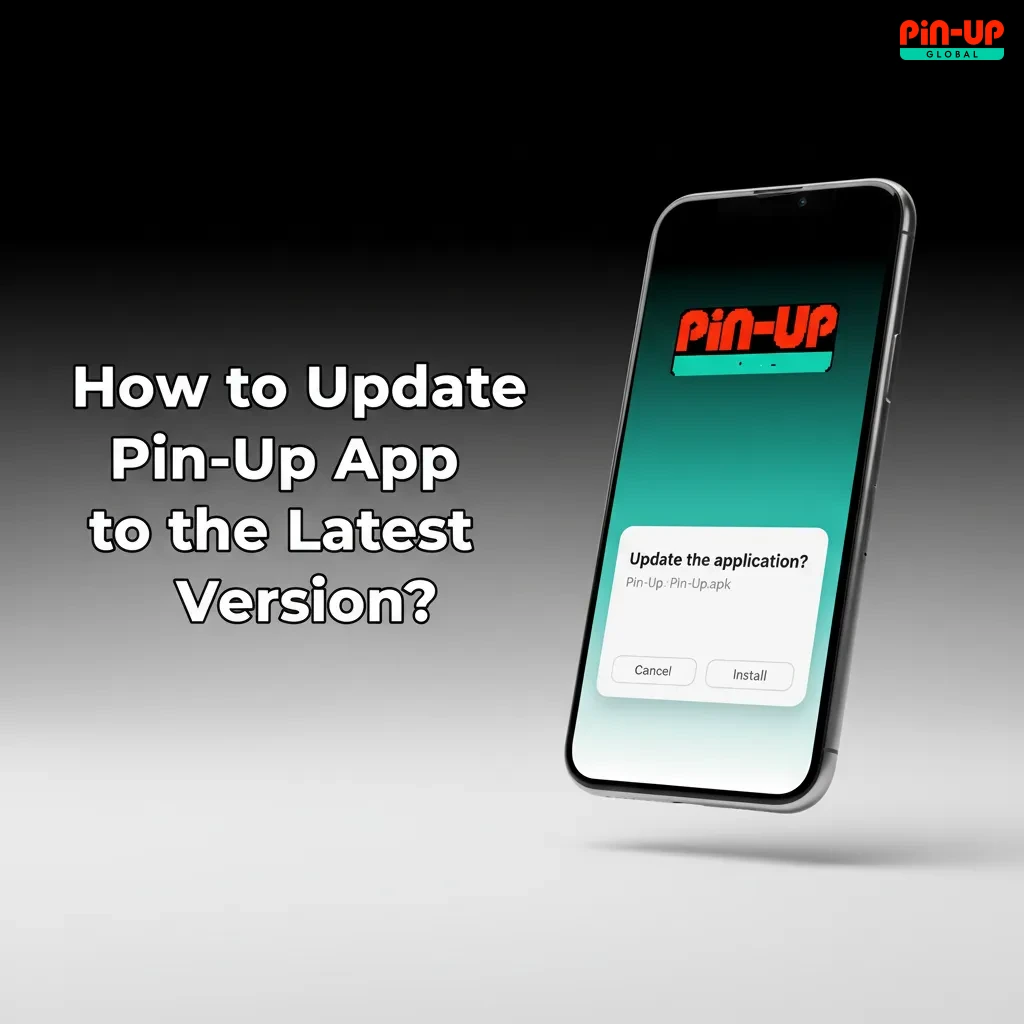
Open the app menu and go to Settings, then About App. If an update is available, tap Update and confirm. Android users may need to allow installs from the browser source again. iOS PWA users only need to pull to refresh or reopen the shortcut. Updates keep odds fast, fix bugs, and add new games. If the update fails, clear cache and retry from the official download link.
Regular updates improve speed, security, and promotions.
Updates patch security issues and protect your account. New builds improve live odds refresh rates. You also get new slots and tables from top providers. Payment methods and bank rails change often, so updates keep deposits and withdrawals stable. Keeping current helps you avoid crashes during big matches.
Stay updated to bet faster and cash out without delays.
Placing a bet takes seconds on mobile.
Fast bets help you catch moving odds in live events.
On Android, press and hold the app icon, then tap Uninstall and confirm. Delete the APK file from Downloads if you want to free storage. On iOS PWA, press and hold the icon and select Remove. Your account stays intact and can be accessed via mobile site.
Remove the app anytime; you can reinstall later.
Quick login keeps your betting session secure and ready.
You get fast markets, rich casino content, and secure payments in one place. Navigation is simple, so you reach bets in fewer taps. Odds update quickly on reliable data connections. Casino games load fast and run smoothly on mid-range phones. Payments support local rails popular in Nigeria. Account tools help you control limits and history easily.
Live markets run on quick refresh cycles for popular sports. Latency depends on your network and match data feed. Football, basketball, tennis, and esports have the deepest coverage. The bet slip shows stake, potential win, and cash out when available. Graphs and live stats help you choose markets quickly. Some events include live visualisers; streaming may appear for selected fixtures. Market suspension rules apply when key events happen.
Slots include hits like Sweet Bonanza, Gates of Olympus, and Book of Dead. Game tiles open fast, and loading screens are short on good networks. Live Casino covers blackjack, roulette, baccarat, and game shows. Top studios such as Pragmatic Play, Evolution, and Play’n GO are featured. Categories like Megaways, Bonus Buy, and High RTP help you filter. Demo modes may be limited; check availability by title. Game contribution rates differ for wagering.
Deposits focus on speed and local methods. Funding is instant in most cases. Limits are set by method and verification level. Cards and bank transfers are the most common options in Nigeria. You can save a method for faster future deposits. All payments are routed over secure connections. Fees, if any, appear before confirmation.
| Item | Details |
|---|---|
| Available Payment Methods | Bank Transfer, Cards (Visa/Mastercard/Verve), USSD, Paystack, Flutterwave, Opay, PalmPay |
| Deposit Minimum/Maximum | From ₦500; maximum depends on method and KYC level |
| Transaction Security | TLS encryption; 3D Secure or OTP where supported |
| Processing Time | Instant to a few minutes |
Choose the method that matches your bank and limits.
Payouts go to verified accounts only. Processing time depends on method, bank hours, and checks. Submit correct details to avoid delays. You may need to verify identity before first withdrawal. Limits increase as your account level rises. You can track status in the Transactions tab. Support helps if a payout stalls.
| Item | Details |
|---|---|
| Available Withdrawal Methods | Bank Transfer, Opay, PalmPay, Flutterwave |
| Withdrawal Minimum/Maximum | From ₦1,000; maximum varies by method and limits |
| Transaction Security | Encrypted requests and manual reviews when flagged |
| Processing Time | ~15 minutes to 24 hours on approved requests |
Keep your details updated for smooth payouts.
The Profile area shows balance, bonus balance, and pending bets. You can edit personal details and contact info. KYC uploads accept clear photos of ID and address. Transaction History lists deposits, withdrawals, and bonuses by date. Limit tools let you set deposit caps and time-outs. You can manage saved payment methods. All changes show confirmation alerts.
You can get alerts for bet results, goals, and payout status. Choose sports, markets, and promo types you want to hear about. Quiet hours help you pause alerts at night. Delivery runs through push notifications and in-app messages. Critical messages like withdrawals also arrive by email or SMS. Toggle notifications in Settings by category. You control what arrives and when.

Traffic between your device and servers is protected by modern TLS encryption. Personal data is stored under strict access controls. Login security supports strong passwords and device recognition. Sensitive payment data is handled through secure payment gateways. Suspicious activity can trigger extra checks or temporary holds. Two-Factor Authentication by email or SMS may be requested. Regular audits and updates improve protection over time. You should avoid using shared devices for betting.
Strong security helps keep your account and funds safe.
Notifications permission lets the app send bet results and payout alerts. Storage permission helps cache images and speed up loading. Camera and Photos access may be requested for KYC document scans. Location permission can show localised offers and comply with regional rules. Network access keeps live odds, games, and payments working. Device ID signals help risk checks and session security. Contacts are not required for betting functions. You can manage permissions anytime in your phone settings.
Grant only what you need and review permissions regularly.
For anything else, contact support via in-app chat any time.
Yes. Open Settings in the bet slip or Profile and select Decimal, Fractional, or American.
Markets lock during key events or data delay. Your bet confirms once the market reopens.
Mobile data charges depend on your network plan. Use Wi‑Fi where possible for heavy features.
Reviews usually finish within a few hours during working days. Blurry images or mismatched details can slow it down.
Yes. Go to Responsible Gaming in Profile and set deposit caps or time-out periods.
Yes. Set NGN during registration to view balances and transactions in naira.
Yes, but avoid using both at once. You may need to verify a new device by code.
Some markets or odds states do not support Cash Out. It also hides during match-critical moments.
Updated: